
⌘K
🦾 Create Your Persistence Address
Once you have your wallet setup done, it takes less than a minute to ensure the ‘Persistence chain’ is visible in your Keplr wallet.
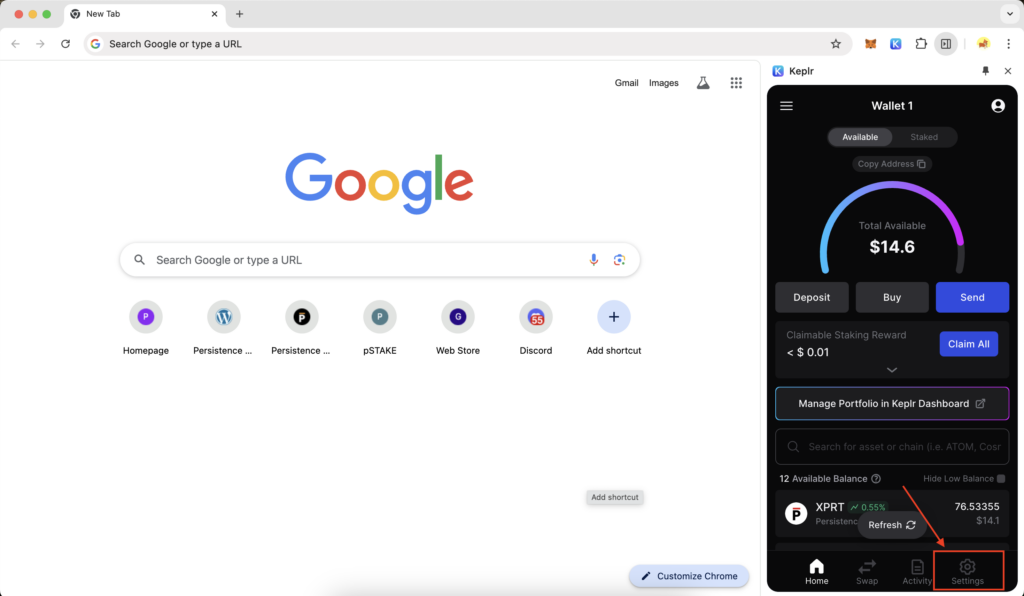
Click on ‘Settings’ at the bottom right-hand corner
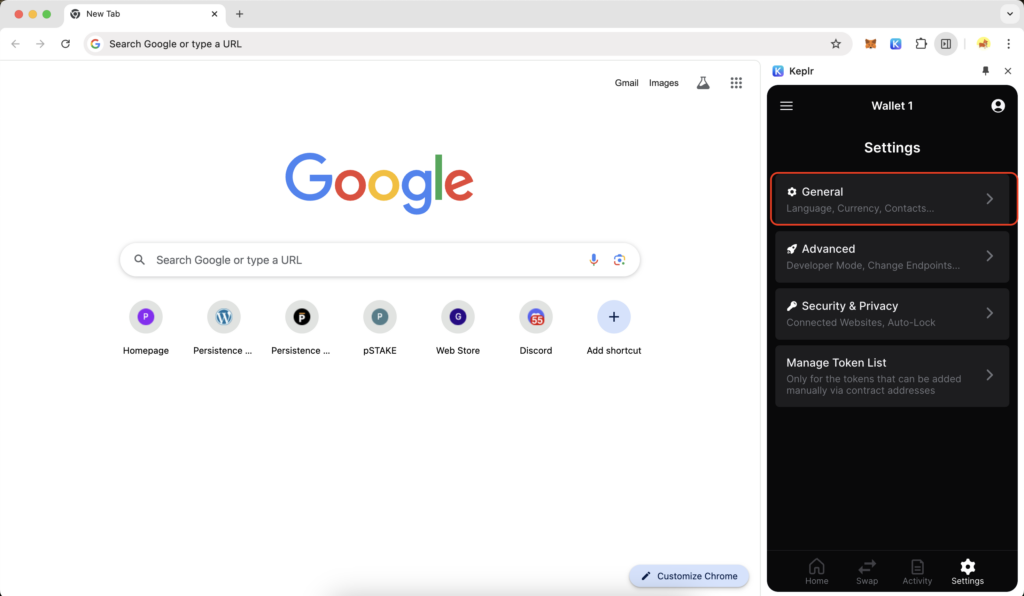
Click on ‘General’ on the settings page
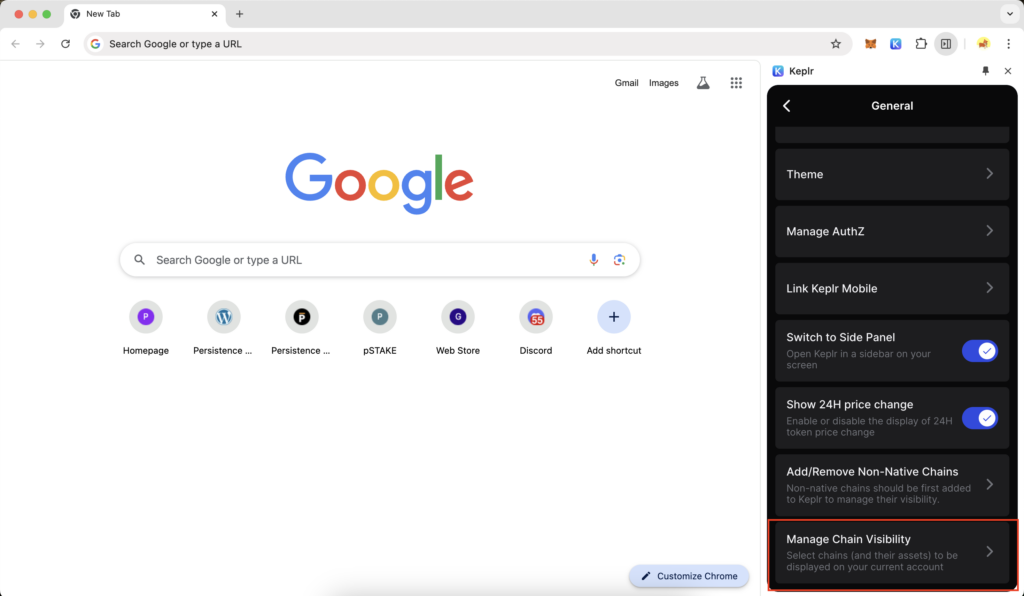
Scroll down to find the option ‘Manage chain visibility’
Ensure that the ‘Persistence chain’ is selected
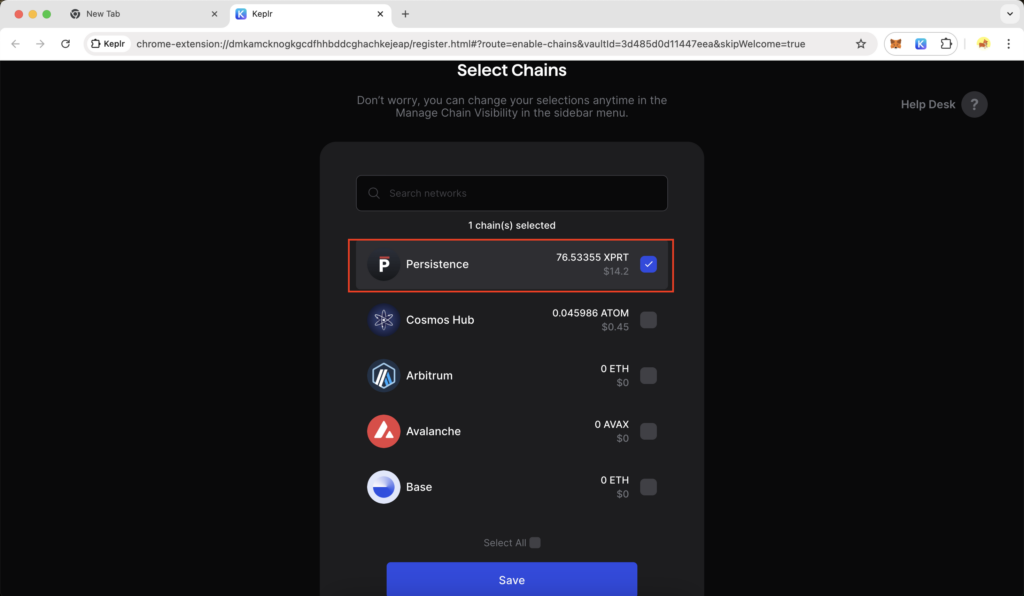
After clicking ‘Save’ and opening your Keplr wallet, you can find and copy your Persistence address by clicking the copy button beside it
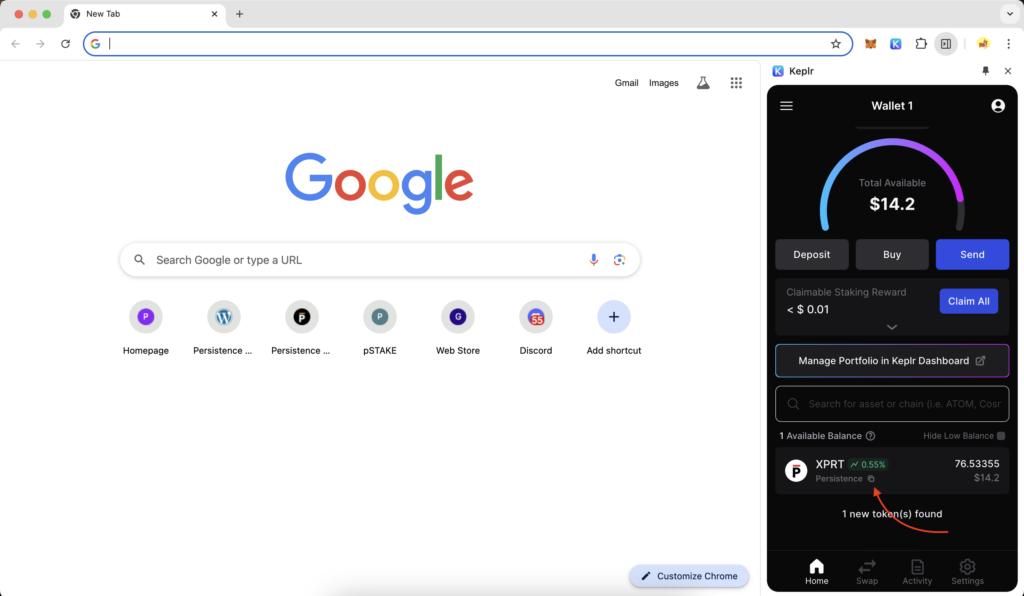
Now you are all set to acquire $XPRT from either a centralised exchange or a decentralised exchange to your Keplr wallet.